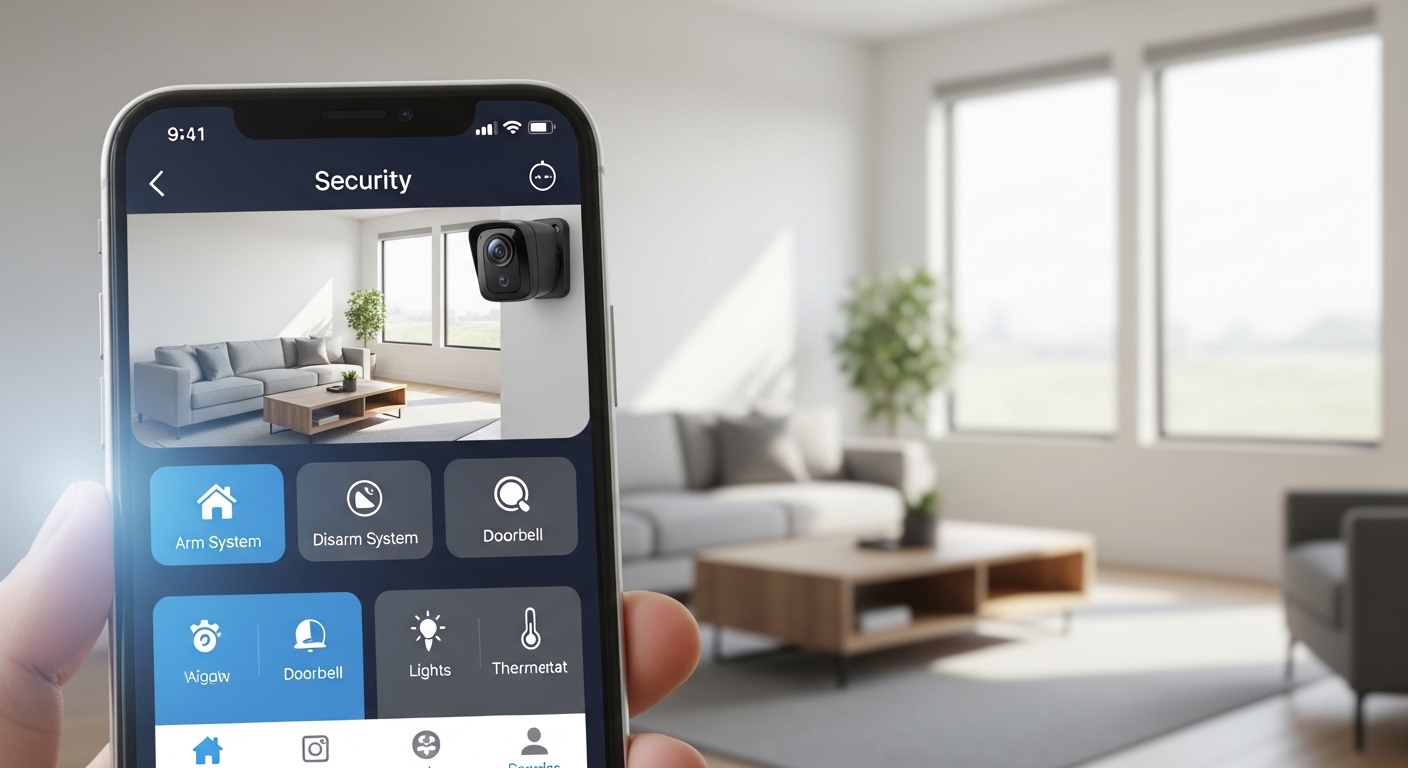
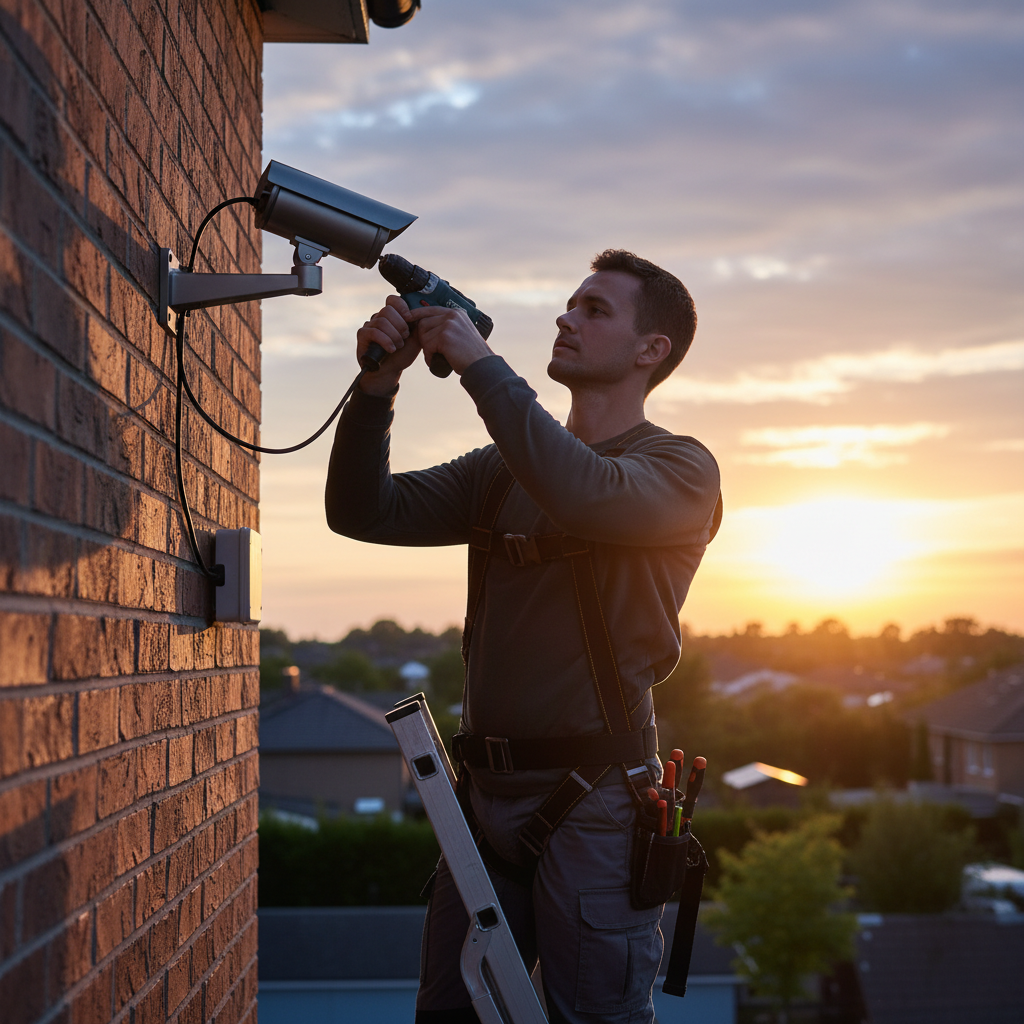
The Invisible Gaps in Your Defense\n\nInvesting in a home security system is one of the most significant steps you can take to protect your family and your property. However, simply buying the most expensive hardware on the market does not guarantee a fortress. Many homeowners fall into the trap of thinking that a high price tag equates to foolproof security, neglecting the technical nuances that actually make these systems effective. The reality is that even the most advanced sensors and AI-driven cameras can be rendered useless if they are not strategically placed and correctly configured.\n\nSecurity is not a set-it-and-forget-it endeavor. It requires a thoughtful approach that considers the unique architecture of your home and the specific habits of your household. When installation is rushed or poorly planned, it creates a false sense of security that can be more dangerous than having no system at all. This guide explores the most frequent mistakes made during the setup phase and provides actionable insights to ensure your sanctuary remains truly protected.\n\n### Ignoring Secondary Entry Points\n\nA very common mistake is focusing exclusively on the front door. While statistics show that many intruders do use the main entrance, seasoned burglars often look for the path of least resistance. This might be a sliding glass door in the back, a basement window hidden by shrubbery, or a side door leading into the garage. If your security ecosystem only monitors the front, you are essentially leaving the back door wide open for anyone patient enough to look for it.\n\nTo avoid this, conduct a thorough walkthrough of your property from the perspective of an outsider. Identify every possible point of entry, including windows that are often left unlocked or areas where a fence might be easily scaled. A comprehensive system should include sensors on all ground-floor windows and secondary doors. By creating multiple layers of detection, you force a potential intruder to make noise or take risks that increase the likelihood of them being caught or deterred before they even step inside.\n\n### Improper Camera Positioning and Glare Issues\n\nCamera placement is an art that many DIY installers struggle to master. One frequent error is mounting cameras too high, aiming for a wide view but sacrificing detail. While you might see someone walking on your lawn, a camera mounted 15 feet up will only capture the top of a baseball cap rather than a recognizable face. Conversely, mounting them too low makes them vulnerable to tampering or being covered by an intruder.\n\n
\n\nAnother technical oversight is failing to account for lighting conditions. A camera that provides a crystal-clear image at noon might be completely blinded by the rising sun in the morning or by the glare of a nearby streetlamp at night. Digital sensors often struggle with high-contrast environments. To fix this, you should test your camera feeds at different times of the day. If glare is an issue, consider adjusting the angle or installing a small shroud to block direct light. Ensuring your cameras have high-quality Infrared (IR) capabilities or integrated spotlights is also crucial for maintaining visibility during the darkest hours of the night.\n\n## The Cybersecurity Trap and Maintenance Failures\n\nIn the age of the Internet of Things (IoT), your physical security is only as strong as your digital security. Many modern home security systems are connected to the cloud, allowing you to monitor your home from your smartphone. However, this convenience comes with the risk of being hacked if proper precautions are not taken. Using default passwords or failing to enable two-factor authentication is like leaving a key under the doormat in the digital world.\n\n### Neglecting Software Updates and Network Security\n\nManufacturers frequently release firmware updates to patch security vulnerabilities and improve performance. Ignoring these notifications leaves your system exposed to known exploits that hackers can use to disable your cameras or eavesdrop on your private life. Furthermore, placing your security devices on the same Wi-Fi network as your guest devices or old, unpatched computers can create an easy entry point for cybercriminals. It is highly recommended to set up a dedicated, encrypted VLAN (Virtual Local Area Network) specifically for your security hardware to isolate it from other potential threats.\n\nConsider the following digital hygiene tips for your security system:\n\n Always change the default admin credentials immediately after installation.\n Enable Two-Factor Authentication (2FA) for all accounts associated with the system.\n Regularly check for and apply firmware updates for every device, including the router.\n Use a strong, unique Wi-Fi password that is not shared with visitors.\n\n### Forgetting Battery Backups and Power Stability\n\nWhat happens to your security system during a power outage or if a burglar cuts your exterior power lines? A surprising number of systems rely solely on a standard wall outlet. Without a battery backup, your home becomes a blind spot the moment the power goes out. Even wireless cameras that run on batteries need to be monitored closely; a dead battery in a critical sensor is a failure waiting to happen. Professionals suggest using a combination of hardwired power with Uninterruptible Power Supplies (UPS) for the main hub and ensuring all wireless components have low-battery alerts enabled on your phone.\n\nMaintenance is the final, often forgotten piece of the puzzle. Over time, spider webs can cover camera lenses, wind can shift the angle of a motion sensor, and batteries will inevitably degrade. Establish a quarterly routine to clean your equipment, test the alarm triggers, and verify that the monitoring service is receiving signals correctly. A security system is an active shield, and like any shield, it requires care to keep it from rusting and failing when you need it most.